Windows
The counter workhorse
Touch tills and all-in-one terminals with receipt printers, cash drawers, scanners, scales and a second customer display.
From counter billing to kitchen display, AdvEnt Deli handles everything. Delivery partner orders from DoorDash, Uber Eats and more arrive alongside every other order. Split bills, manage inventory, and run your entire restaurant from one powerful platform that keeps selling even when the internet does not.
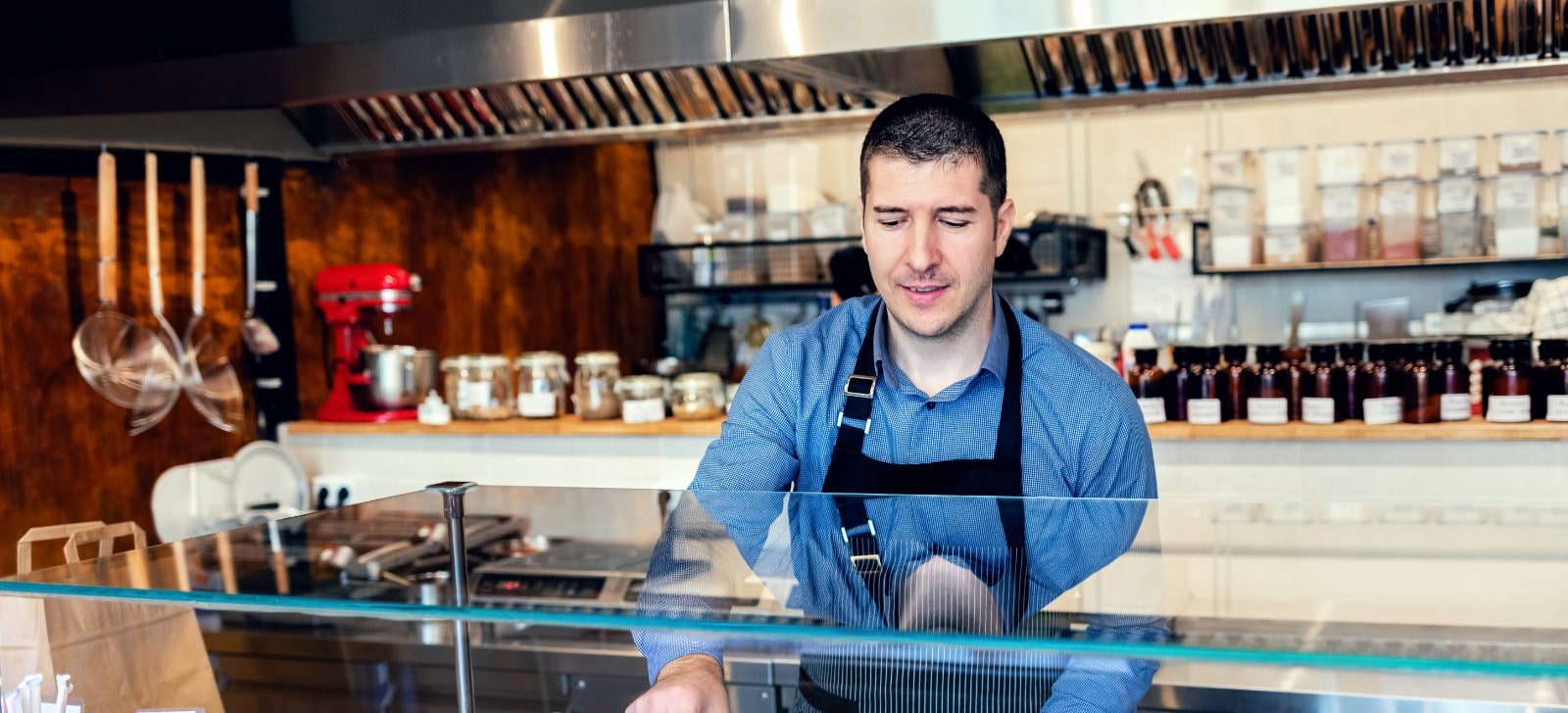
AdvEnt Deli runs on Windows, Android and iOS with the same screens, the same core features and the same speed. Choose the hardware that suits each spot in your restaurant, and mix all three in one store.
The counter workhorse
Touch tills and all-in-one terminals with receipt printers, cash drawers, scanners, scales and a second customer display.
The go-anywhere all-rounder
Tablets at the counter, handhelds on the floor, kiosks in the foyer and wall panels in the kitchen, with Bluetooth and USB printers.
The pocket powerhouse
iPhone and iPad for waiters at the table and managers on the move, with the same menu, prices and permissions as the till, plus network printing and camera scanning.
= Equal on every platform
Explore our intuitive interface designed to make restaurant management effortless.
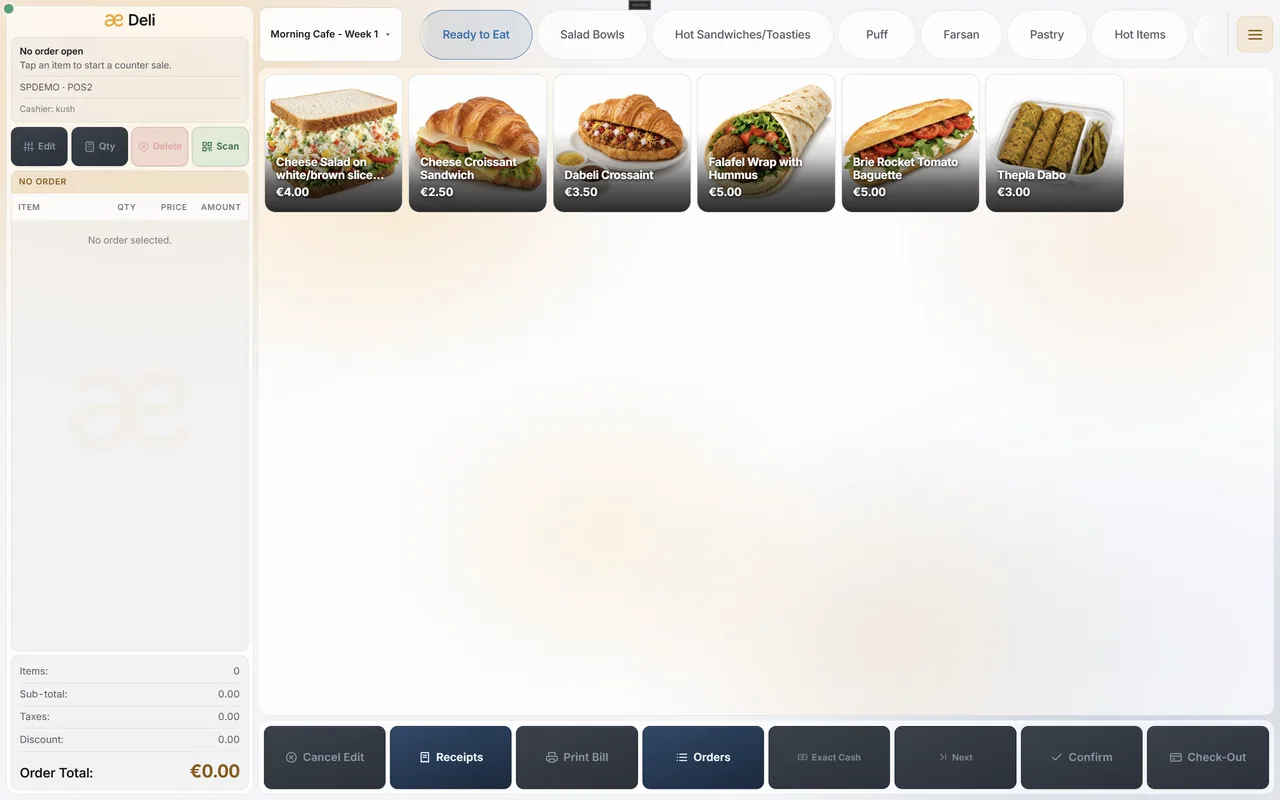
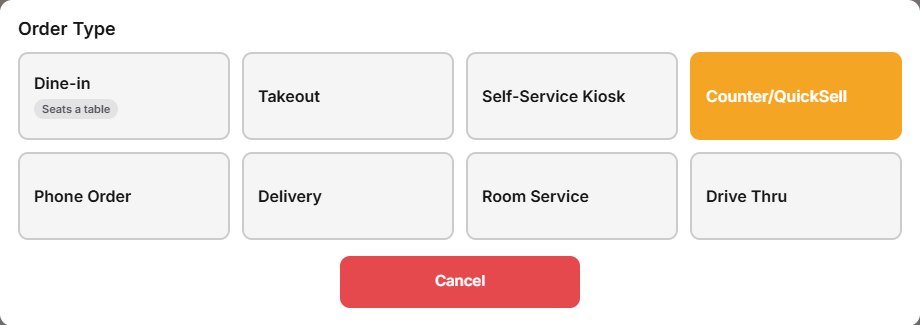
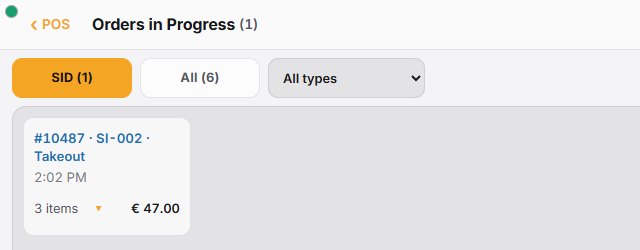
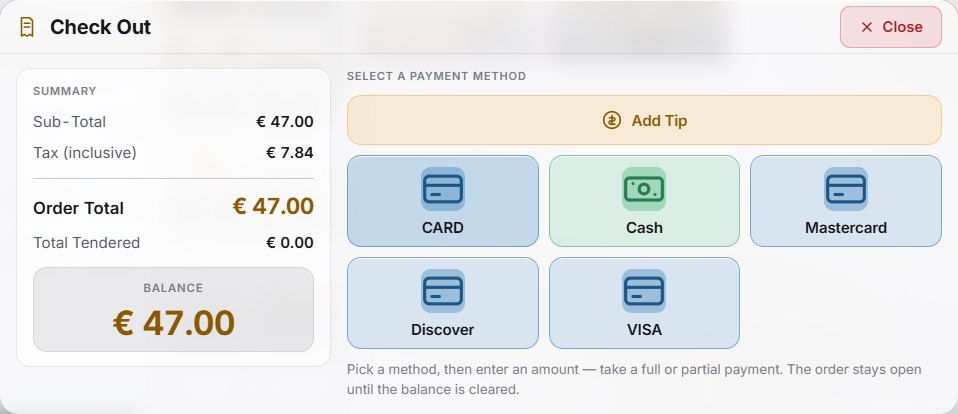
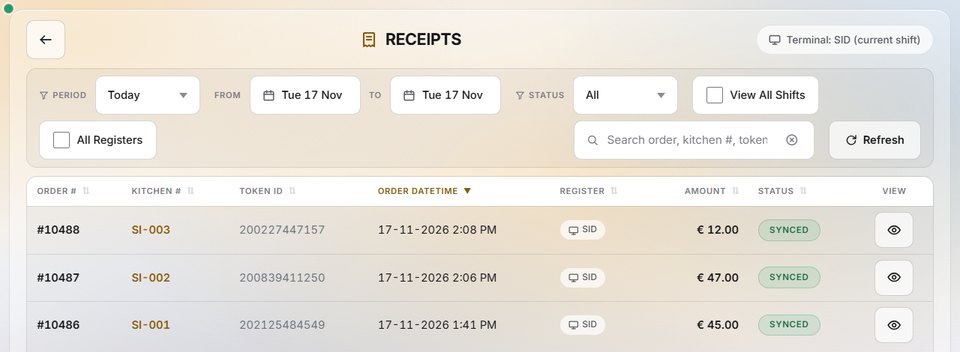
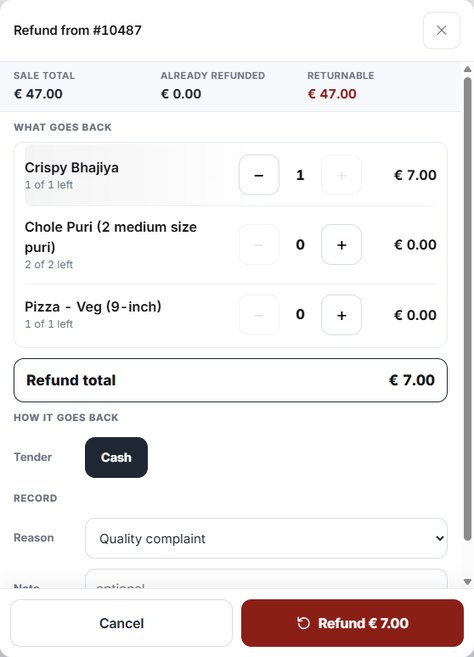
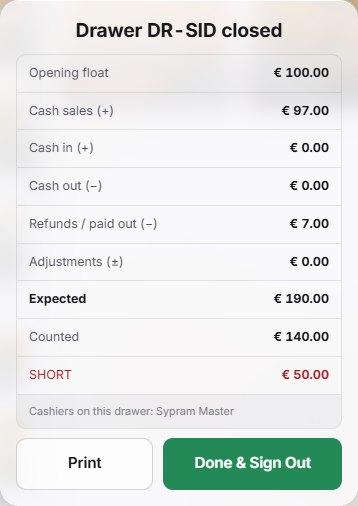
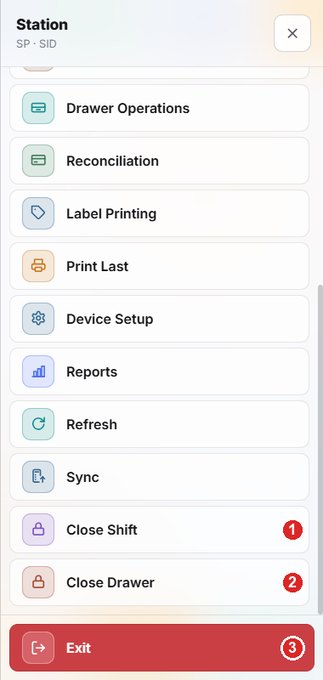
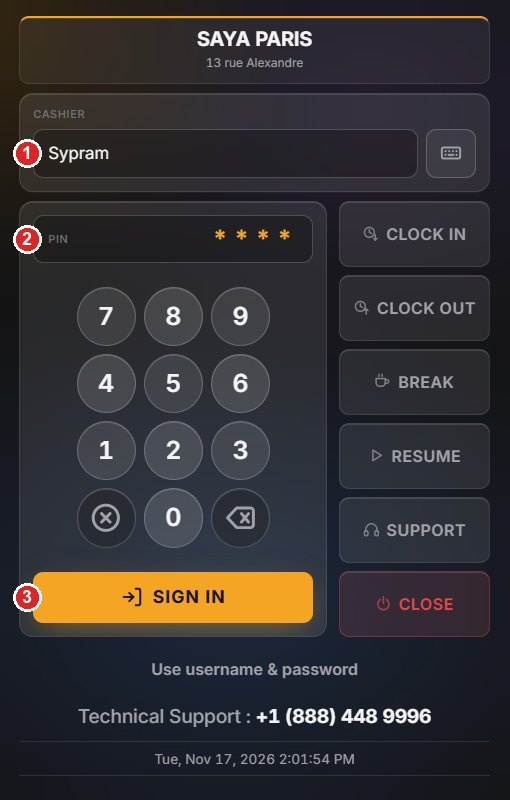
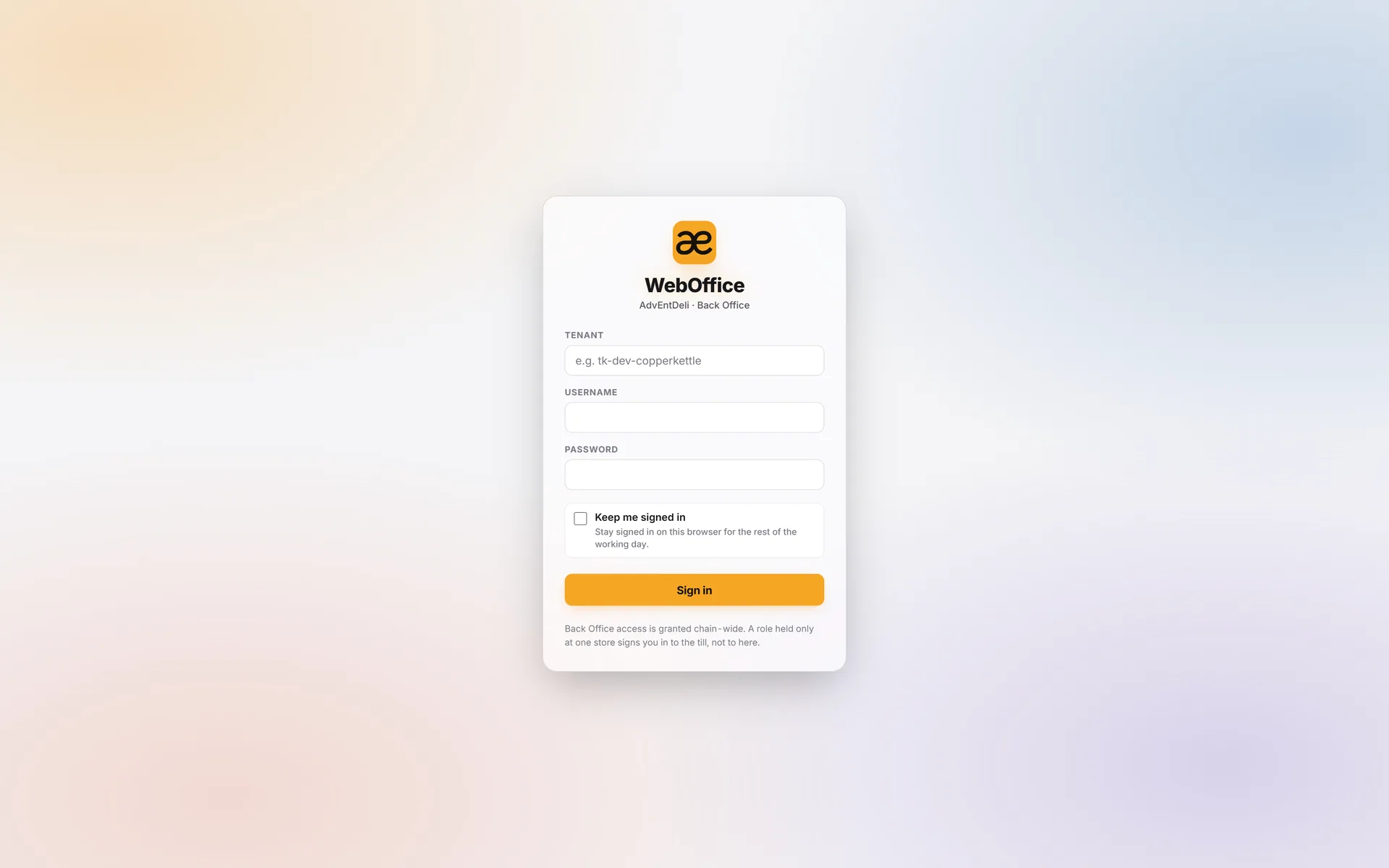
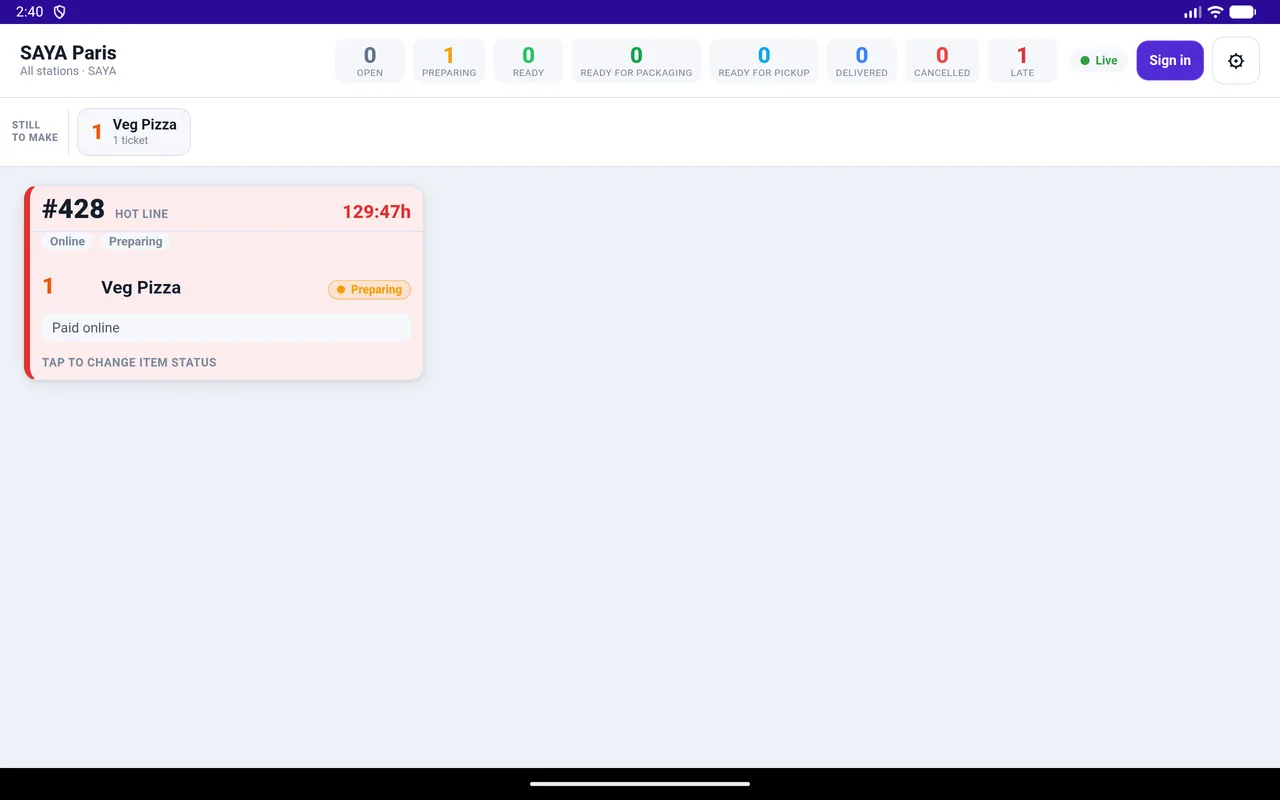
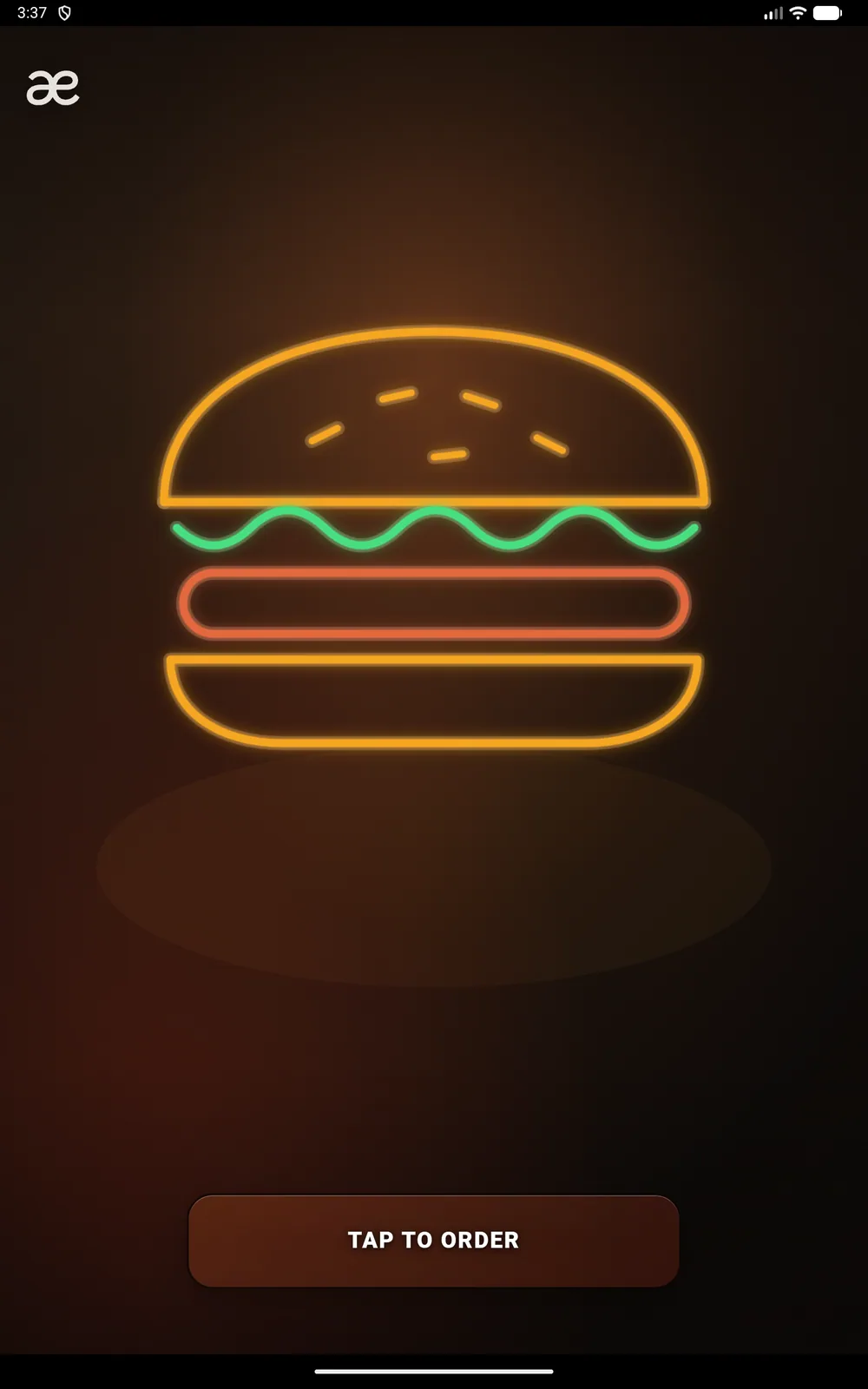
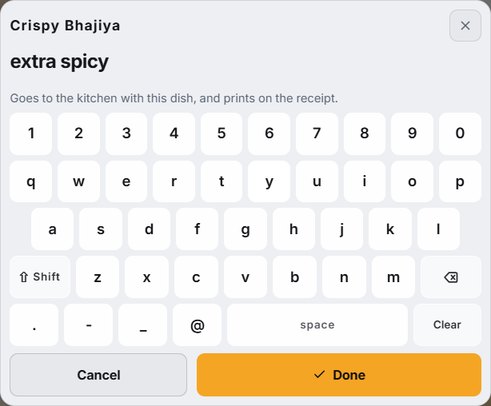
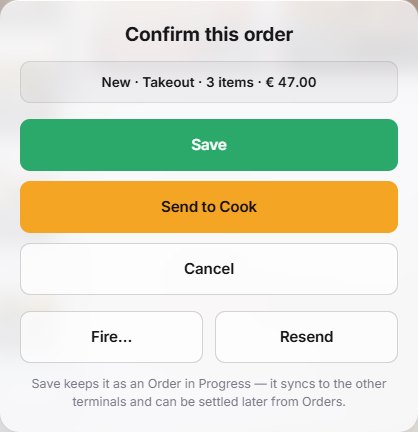
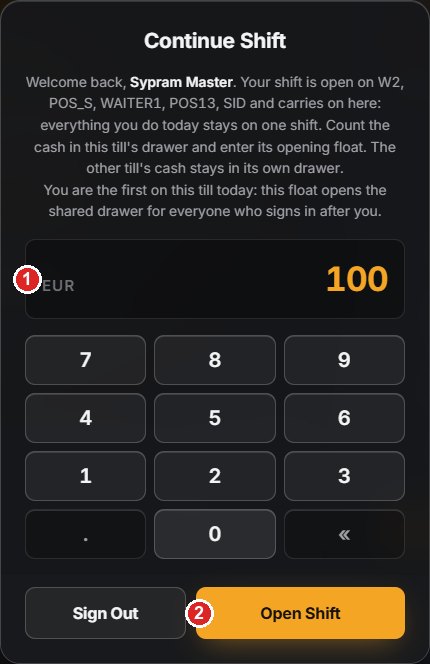
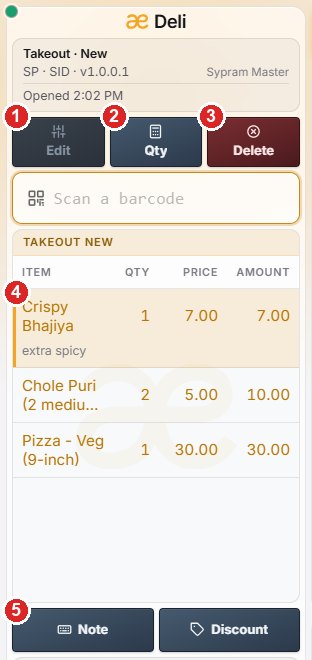
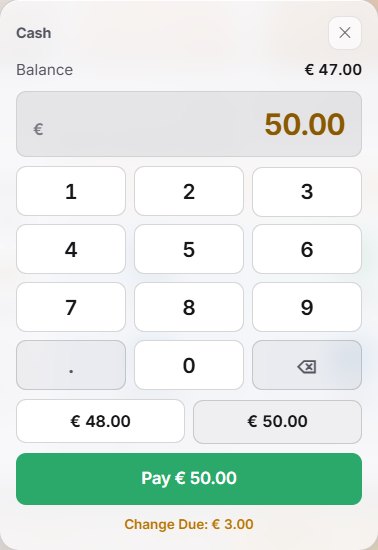
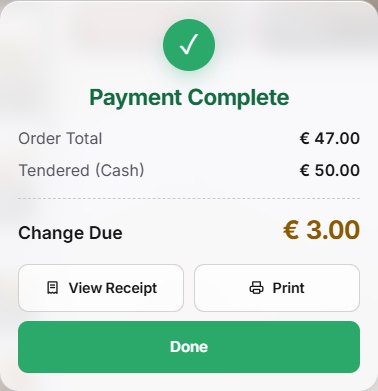
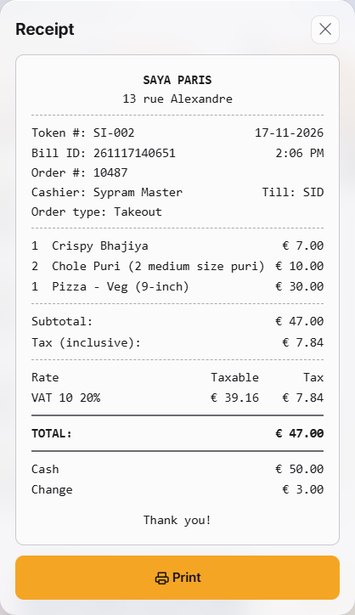
No complicated installations or long training sessions. Get started with AdvEnt Deli today and transform your restaurant operations.
Install the app on the Windows or Android devices you already own, then scan one enrolment QR code to connect each till, kiosk or kitchen screen to your store.
Import your menu from a spreadsheet or build it from scratch in the Item Manager. Add categories, modifiers, prices and photos in minutes.
You're ready. Staff sign in with a PIN, open a shift and start taking orders immediately. Our team is here if you need help.
Watch our product demonstration to see how easy it is to run your counter, kitchen and floor on one POS system.
Request Demo